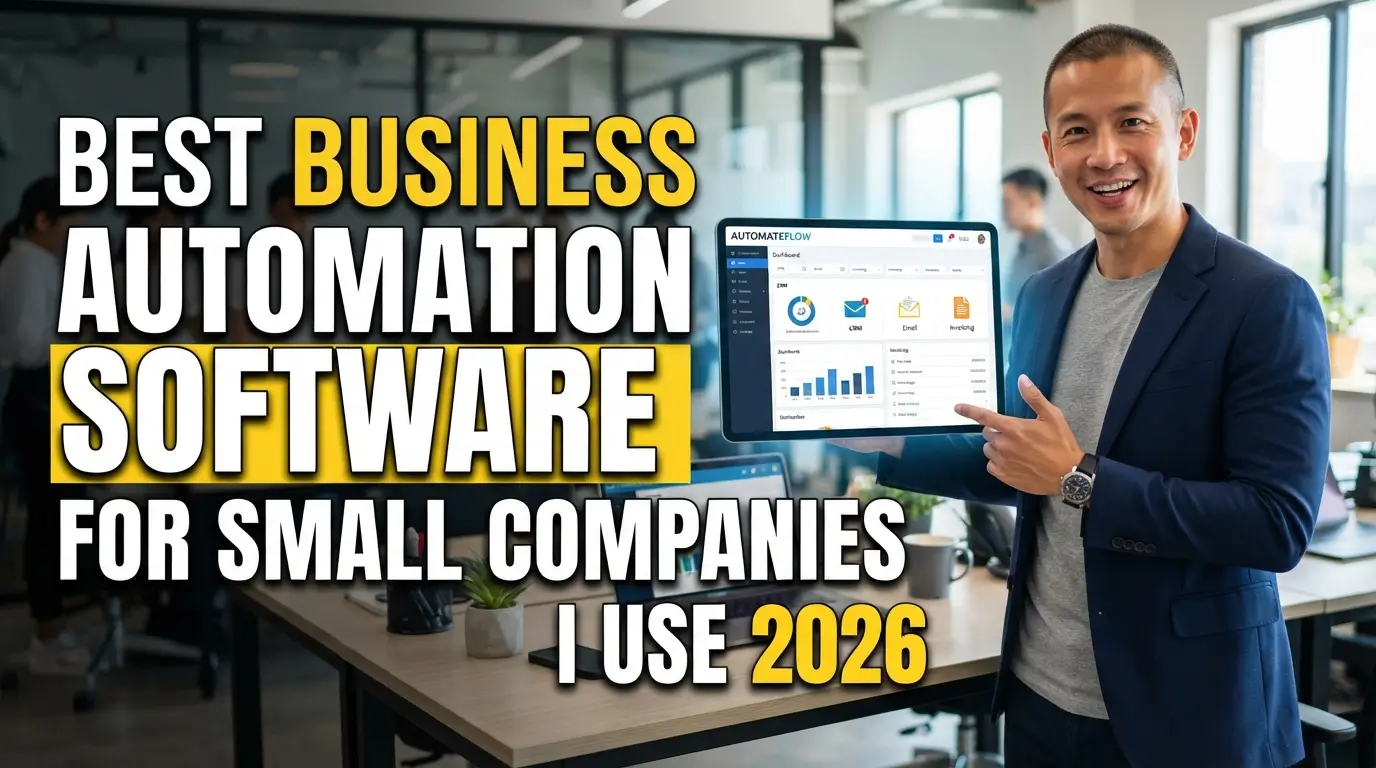
Finding the best business automation software for small companies saved my sanity when my inbox turned into a complete nightmare last year. I was drowning in manual data entry, missed invoices, and endless client follow-ups until midnight. You do not need an enterprise budget or a dedicated tech team to fix this chaotic daily mess. Smart automation tools simply hand your free evenings right back.
Zapier: The Zero-Code Connector for Disconnected Apps
Zapier runs quietly in the background of my operations every single day. When you use different tools for forms, email marketing, spreadsheets, and invoicing, this platform acts as the digital glue that connects them without requiring custom code. You create straightforward automated routines that trigger an action whenever an event happens in another app, such as copying a Stripe payment record straight into Google Sheets and alerting your team in Slack.
Small teams with zero programming background will appreciate the massive library of supported apps and pre-built templates. The visual setup lets you build multi-step Zaps that filter data, delay actions, and format text strings automatically. The honest downside is the pricing model. Once your monthly volume crosses a few thousand tasks, the subscription bill scales up rapidly. Despite that cost creep, it remains one of the fastest options when hunting for the best business automation software for small companies with diverse tech stacks.

Make: Deep Visual Workflows for Tight Budgets
Make gives you visual canvas power that puts standard linear automated triggers to shame. Instead of simple step-by-step chains, you build branching diagrams with built-in routers, data filters, and custom error handlers. I migrated several heavy data-syncing tasks from other platforms over to Make two years ago, and my monthly software bill dropped by nearly seventy percent.
Visual thinkers and scrappy operations get the most mileage out of this tool because the free and entry-level tiers are generous. The interactive scenario builder allows you to manipulate arrays, parse complex webhooks, and test individual modules in real time. The real catch is the learning curve. If you misconfigure a data aggregator or map the wrong JSON field, your scenario stops running without an obvious explanation. It requires patience and testing, but the sheer value makes it hard to beat.
HubSpot Starter CRM: Automated Lead Tracking and Follow-Ups
Manual lead entry kills sales momentum faster than bad pitching. HubSpot Starter CRM combines customer records with basic automated sequences so prospective buyers never sit in your inbox waiting for a reply. When a prospect fills out a contact form on your site, the system assigns the lead to a team member, sends an instant confirmation note, and schedules a reminder for a personal check-in.
Service businesses and boutique agencies that need organized outreach without hiring a dedicated administrative assistant will love the clean pipeline layout. The system captures website interactions, email opens, and form submissions automatically into a single contact timeline. You can set up automated email sequences that pause the moment a prospect books a meeting on your calendar. Keep in mind that unlocking complex conditional branching requires stepping up to the Professional tier, which comes with a significant price jump. For basic lead capture and follow-ups, the Starter tier delivers dependable speed.

ActiveCampaign: Sophisticated Customer Journey Automation
ActiveCampaign stands apart when standard newsletter tools fail to deliver personalized marketing. The platform tracks customer activity across your website, purchase history, and email interactions to trigger timely messages. If a customer views your pricing page three times in one week without booking a service, you can automatically send a targeted note addressing common objections.
E-commerce stores and digital product creators will get tremendous value out of the granular audience segmentation. Many growing brands consider this the best business automation software for small companies focusing on customer retention and repeat sales. The visual builder relies on conditional tagging to move subscribers between different campaigns based on what they click and buy. The trade-off is interface complexity. Setting up custom tags, custom fields, and split tests feels overwhelming if you only plan to send a basic weekly update.
QuickBooks Online: Hands-Off Bookkeeping and Invoicing
Chasing overdue client payments used to steal hours from my Friday afternoons. QuickBooks Online eliminates that administrative friction by automating invoice creation, recurring billing, and automatic payment reminders. You connect your bank feeds directly, and the software categorizes recurring business expenses while matching incoming customer deposits against open invoices.
Any small company owner who dreads tax season or hates sending awkward payment reminder emails will benefit immediately. Setting up automatic payment reminders ensures clients receive gentle nudges three days before, on the day of, and five days after an invoice falls due. The drawback lies in occasional bank connection drops. You still need to review your reconciliations each month because automated categorization rules occasionally mislabel unusual transactions. It handles the bulk of financial legwork reliably once you train your rules properly.

ClickUp: Centralized Team Workflows and Task Routing
Keeping project deliverables moving across a small team usually creates messy chat threads. ClickUp solves this friction by automating internal task handoffs, status transitions, and team assignments. When a designer marks a creative draft as complete, the platform automatically reassigns the ticket to the copywriter, applies a review tag, and sets a revised deadline based on preset rules.
Hybrid teams and remote agencies handling multi-step client deliverables will find immediate relief in standardizing their operating procedures. Automating internal task handoffs removes the guesswork around who owns a project at any given moment. The downside is feature bloat. ClickUp packs dozens of switches, custom fields, and view options into a single dashboard, which can distract your team during the initial setup. Stick to simple status triggers first to avoid overcomplicating your workspace.
How to Pick the Best Business Automation Software for Small Companies
Picking random tools because they look impressive in a demo video always leads to wasted subscription fees. Start by mapping your biggest operational bottleneck on a piece of paper before spending a dime. If your team wastes five hours every week manually copy-pasting lead details from forms into spreadsheets, an integration layer solves that immediately. If your main friction involves forgotten client quotes, prioritize CRM automation instead.
Investing in the best business automation software for small companies only pays off if the platform integrates smoothly with your current setup. Choose tools that offer native connections to your core email, banking, and project apps. Never overhaul your entire operational system overnight. Automate one painful, repetitive task first, verify that it runs reliably for two weeks, and only then build out the next workflow.

Essential Criteria for Evaluating Automation Tools
Evaluating software requires looking past marketing promises and focusing on daily reliability. First, check the execution limits and task quotas on starter plans. Many platforms advertise low entry prices but charge steep penalties once your monthly automations exceed modest ceilings. Always calculate your expected monthly volume before committing to an annual plan.
Second, test the platform error notifications during your free trial period. A solid automation engine notifies you instantly by email or chat when a trigger fails, giving you detailed diagnostic logs to fix broken steps quickly. Platforms without clear error logs leave you guessing why customer data never reached its destination.
Finally, review customer support availability. When a mission-critical billing or lead capture workflow breaks on a busy workday, waiting three days for an email response is not an option. Look for platforms that provide active community forums, responsive live chat, and detailed documentation libraries.
Frequently Asked Questions
What is the best business automation software for small companies on a tight budget?
Make and Zapier offer fantastic entry plans, but Make provides significantly more monthly operations on its free and low-cost tiers. If you are comfortable building visual workflows, Make offers the most value per dollar for lean startups and solo operators wanting deep automation without hefty monthly subscriptions.
How many business processes should I automate at once?
Focus on one single process at a time. Start with your most repetitive, low-risk administrative task, such as saving email attachments to cloud storage or routing contact form leads. Once that workflow runs without errors for two weeks, move on to higher-stakes automations like billing and client onboarding.
Will business automation software replace my employees?
Automation removes tedious data entry and administrative chores rather than replacing actual team members. By shifting repetitive data transfers, payment reminders, and scheduling tasks over to software, your staff gains valuable time to focus on high-value client work, creative problem-solving, and revenue-generating business development.
Is coding knowledge required to use modern automation tools?
Most modern automation platforms feature no-code interfaces with drag-and-drop builders and pre-made templates. You can connect your favorite everyday tools, set conditions, and build multi-step workflows using straightforward logic blocks without writing a single line of JavaScript or Python code.
How do I know if an automation has failed?
Quality automation platforms send real-time alerts through email, webhooks, or Slack when a workflow encounters an error. They also maintain execution logs that show the exact step where data failed to transfer, making it easy to troubleshoot and re-run the task.
Conclusion
Automating your routine administrative tasks gives you the space to actually run and grow your business instead of fighting endless paperwork. Pick one annoying chore off your daily to-do list, connect the right tool, and let the software handle the heavy lifting. Which repetitive task are you planning to automate first?
You are a real human blogger writing from personal experience. Write a detailed, super engaging, SEO-optimized article on:
The focus keyword for this article is: [best business automation software for small companies]
The article type is: [choose one — listicle / how-to guide / comparison / buying guide / tutorial / roundup / opinion piece / story-driven / other]
Include an FAQ section: [YES / NO]
Target word count: [e.g. 1500 words]
──────────────────────────────────────
SEO TITLE & META DESCRIPTION — WRITE THIS FIRST
──────────────────────────────────────
Before writing the article, write:
SEO Title: a short, catchy, natural sounding title under 55 to 60 characters. Include the focus keyword naturally near the front. It should sound like something a real person would click, not a robotic keyword stuffed headline.
Meta Description: a natural, beautiful, inviting description under 155 to 160 characters. Include the focus keyword once, naturally. It should read like a real person describing why the article is worth reading, not a summary sentence generated by a machine.
Both must sound fully human, warm, and specific to this exact topic.
No AI sounding words, no em dashes, no robotic phrasing, no generic filler like “learn more” or “discover how”.
Count the characters before finishing. Stay within the limits.
Present these two lines clearly labeled at the very top, above the article, then move straight into the introduction.
──────────────────────────────────────
FOCUS KEYWORD RULES
──────────────────────────────────────
The focus keyword MUST appear in the very first sentence of the opening paragraph.
It MUST appear naturally in at least one H2 heading.
If the focus keyword fits naturally inside an H3, use it there too. If not, skip it, do not force it.
It MUST appear throughout the body, minimum 4 to 6 times total, without stuffing.
Work it in the way a real writer would. Never force it.
──────────────────────────────────────
INTRODUCTION — 60 TO 70 WORDS
──────────────────────────────────────
Write exactly 60 to 70 words. Not less. Not more.
The first paragraph must contain the focus keyword.
Open with a hook that grabs attention immediately, a relatable situation, a bold statement, or a feeling the reader already has.
Make the reader feel something in the first two lines. Curiosity, excitement, recognition, any of these works.
Do NOT explain what the article covers. Do NOT list what is coming.
Do NOT open with: “In today’s world”, “Are you looking for”, “In this article”, “Let’s dive into”, or anything similar.
After the intro, go straight into the first section. No transition sentence.
──────────────────────────────────────
BODY STRUCTURE — ADAPT TO THE ARTICLE TYPE
──────────────────────────────────────
Choose the structure that fits the topic and article type. Do not force a listicle format onto content that isn’t a list.
If the article is a listicle (ideas, tips, products, ways to do something):
Give each item its own H2 heading, numbered like “1. [Item Name]”.
Each item is 70 to 100 words: 2 to 3 sentences, a line break, then 2 to 3 more sentences.
Say what it is, why it works, and one specific detail that makes it feel real and useful.
If the article is a how-to guide or tutorial:
Break the process into logical H2 steps or phases, not necessarily numbered “1, 2, 3” unless steps are strictly sequential.
Each section explains what to do, why it matters, and one specific detail, tip, or common mistake that shows real experience.
Sections can vary in length depending on how much a step genuinely needs, aim for 100 to 200 words per section.
If the article is a comparison, buying guide, or roundup:
Use H2 headings for each option, category, or angle of comparison.
Cover what it is, who it is best for, and one honest trade-off or downside. Real opinions, not neutral reporting.
If the article is a story-driven, opinion, or general guide piece:
Use H2 headings to break the article into a natural narrative or argument flow: setup, key points, turning points, takeaway.
Let sections vary in length based on what the point actually needs, do not pad for symmetry.
Regardless of structure:
Only use an H3 inside a section if a genuine sub-point truly needs it. Never force one.
Only use bullet points if listing 3 or more items that genuinely work better as a list.
Bold one key term per section maximum. Do NOT bold bullet text.
No em dashes. Use a comma or start a new sentence instead.
Every section must open differently. Do not start multiple sections with the same word or sentence structure.
──────────────────────────────────────
FAQ SECTION — ONLY IF “Include an FAQ section” IS SET TO YES
──────────────────────────────────────
Place this section after the body and before the conclusion.
Add one H2 heading titled “FAQs” or “Frequently Asked Questions”, not both.
Include 4 to 6 questions, each as its own H3 heading.
Base questions on what a reader would realistically search or wonder after reading the article, not generic filler questions.
Work a natural variation of the focus keyword into at least one question.
Each answer is 40 to 60 words, direct and conversational, no repeating the question back word for word.
No banned phrases inside FAQ answers.
FAQ word count counts toward the total word count target.
If set to NO, skip this section entirely. Do not add “frequently asked questions” content anywhere else in the article.
──────────────────────────────────────
CONCLUSION
──────────────────────────────────────
Add an H2 heading that says “Conclusion”.
Write 2 to 3 sentences underneath it as a natural closing.
Make it feel like the end of a real conversation, not a forced summary.
Do NOT use: “In conclusion”, “To summarize”, “As we have seen”, “I hope this helped”, or anything like that.
Optional: end with a light question that invites a comment.
Nothing is written after the conclusion, including the FAQ section, which always comes before it.
──────────────────────────────────────
WORD COUNT
──────────────────────────────────────
The total article, including the FAQ section if included, must meet the target word count set above.
Count before finishing. If under target, expand the existing sections naturally while keeping them within the required structure and quality standards.
Do not use filler to increase word count.
──────────────────────────────────────
WHAT TO NEVER ADD
──────────────────────────────────────
No transition paragraph between sections
No long paragraph before the conclusion
Nothing written after the conclusion
No FAQ section if the toggle above is set to NO
──────────────────────────────────────
TONE & WRITING STYLE
──────────────────────────────────────
Write like you are talking to a friend, relaxed, real, and direct.
Active voice only. Never passive.
Light sarcasm or humor occasionally, enough to stay fun, not enough to distract.
Personal opinions or relatable reactions make sections feel lived-in. Use them.
Rhetorical questions: 2 max across the whole article, outside of FAQ headings.
Internet slang like “FYI” or “IMO”: 2 times max across the whole article.
Vary sentence length. Some short. Some a little longer. Never the same rhythm twice in a row.
──────────────────────────────────────
CONTENT QUALITY
──────────────────────────────────────
Write as if you have actually used, tried, tested, lived with, or experienced this topic firsthand.
Every sentence must give real, usable value. No filler.
Mention real products, brands, tools, or platforms where they fit naturally.
Keep jargon low. Any reader should follow easily.
100% original content. No recycled phrasing.
No misleading claims, fake promises, or anything AdSense or Mediavine would flag.
──────────────────────────────────────
BANNED PHRASES — NEVER USE THESE
──────────────────────────────────────
“In today’s world” / “In the modern era” / “In today’s fast-paced world”
“Dive into” / “Let’s explore” / “In this article” / “In this post”
“In conclusion” / “To summarize” / “As we can see” / “I hope this helped”
“It’s worth noting” / “It goes without saying” / “Needless to say”
“At the end of the day” / “Game changer” / “Elevate your” / “Transform your”
“Delve into” / “Navigate” / “Unlock” / “Unleash” / “Embarking on”
“Learn more” / “Discover how” / “Discover the secrets of”
Any phrase that sounds like AI trying to sound human
──────────────────────────────────────
FINAL CHECKLIST — VERIFY BEFORE FINISHING
──────────────────────────────────────
✅ SEO Title is under 55 to 60 characters, natural, catchy, keyword near the front
✅ Meta Description is under 155 to 160 characters, natural, warm, keyword included once
✅ Neither the title nor description sounds robotic, generic, or AI written
✅ Intro is 60 to 70 words exactly
✅ Focus keyword is in the very first sentence
✅ Focus keyword appears in at least one H2 heading
✅ Focus keyword appears naturally 4 to 6 times in the body
✅ Body structure matches the article type chosen above
✅ Every section opens differently, no repeated sentence structures
✅ FAQ section included only if toggle is YES, placed after the body, before the conclusion
✅ FAQ has 4 to 6 H3 questions with 40 to 60 word answers, if included
✅ Use updated, accurate information throughout
✅ No AI fluff, no em dashes
✅ Total word count meets the target, including FAQ if present
✅ Bold text renders as actual bold in preview, not literal “**” symbols
✅ Conclusion has an H2 heading that says “Conclusion”
✅ Conclusion is 2 to 3 sentences with no banned phrases
✅ Nothing written after the conclusion
──────────────────────────────────────
FINAL GOAL
──────────────────────────────────────
This article is written to earn and hold reader attention, whether traffic comes from Pinterest, Google search, or social shares. It starts with a title and description a real person would actually click on, then hooks readers fast in the intro, keeps each section tight, specific, and readable, answers real follow-up questions in the FAQ if included, and ends with a real conclusion. No long paragraphs, no filler, no bloated sections. The whole piece should feel like a real person sharing genuine knowledge in a way that respects the reader’s time. That is what keeps people on the page and gets content approved by AdSense, Journey, and Mediavine, across any niche or article format.


Leave a Reply